
This article introduces how to notify yourself or your team of new ManyChat subscribers.
The great benefit of instant messaging is real-time, fast communication. With our recent integration with Zapier, you can now notify yourself or your team when there are new ManyChat subscribers. This allows for quick, relevant conversations with subscribers!
In this tutorial, we will show you how to trigger email notifications in Gmail when you get new subscribers.✉️
Step 1. Trigger. #
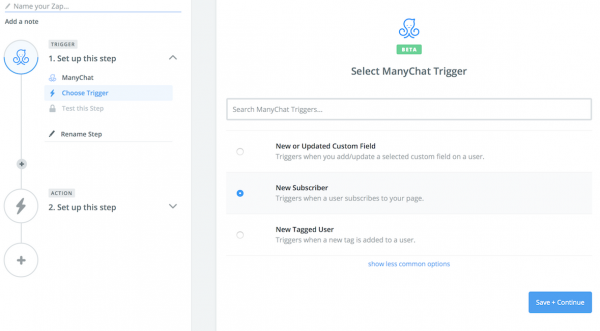
Go toZapierAnd create an account. Create a new Zap (you can create up to 5 Zaps in the free plan). Find the ManyChat app and add it to the global trigger. Internally select “ New Subscriber”Trigger.
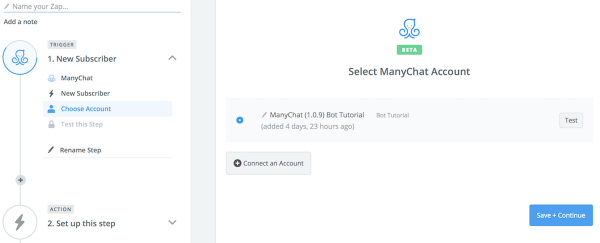
Choose one of your ManyChat accounts for this Zap. You can use the “ Connect Account”button to connect a newaccount.
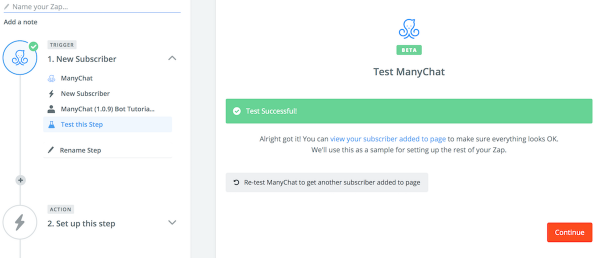
Make sure you have at least one recent subscriber added to your page and perform a test.
Step 2. Action. #
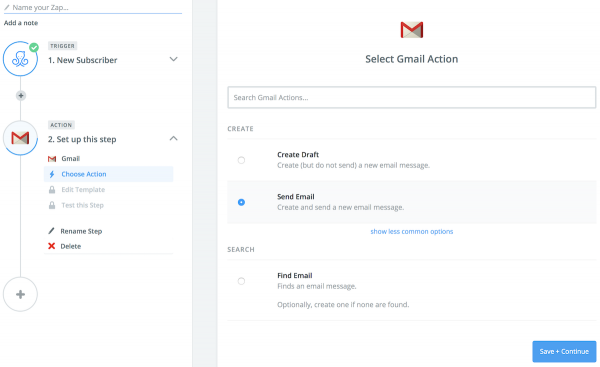
Proceed to the next step and select the Gmail app to perform an action triggered by the new subscriber. I want to receive an email immediately after receiving a new subscriber, so select “ Send Email”option.
Connect your Gmail account to send emails and create a new template for the email notification. You can set different options, including CC, BCC, sender name, and even attach files, but you also need to fill in two required fields - Subjectand EmailBody.
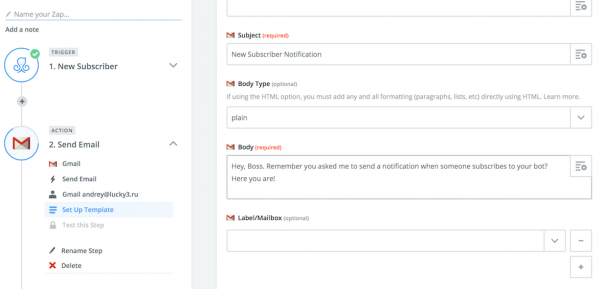
The great thing is that you can use variables and get more details about new subscribers: the growth tools they chose to join by gender, language, and even “custom fields.” Crazy! You can add these variables using the button on the right.

Alright, let's do a test. For example, you will receive an email notification about your latest subscribers. Did you get the message? Awesome! Now name your Zap and activate it.
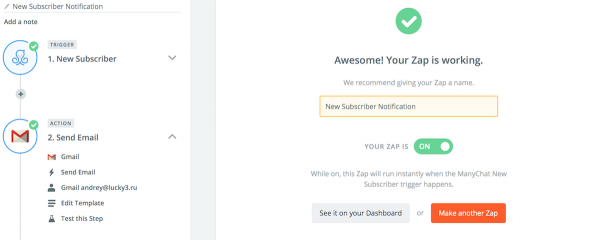
Once the Zap is activated, you will receive custom email notifications about new subscribers.


